We ship worldwide…

Understanding Access Control and Its Critical Role in Security


Understanding Access Control and Its Critical Role in Security
In the modern digital era, where cyber threats are evolving every day, organizations must prioritize the protection of their data, applications, and systems. One of the fundamental pillars of cybersecurity is access control. Access control ensures that the right individuals access the right resources at the right time, minimizing the risk of unauthorized access, data breaches, and operational disruptions. In this comprehensive guide, we explore access control, its types, importance, and best practices for implementation.

What is access control?
Access control refers to the process of regulating who can view, use, or interact with digital or physical resources within an organization. By managing permissions and defining rules, organizations can prevent unauthorized users from accessing sensitive information. Access control applies to both IT systems, like servers and databases, and physical locations, such as offices or data centers.
At its core, access control operates on the principle of least privilege, granting users only the permissions they need to perform their tasks and nothing more. This principle helps minimize risks associated with internal and external threats.
Types of Access Control
Understanding the various types of access control is critical for designing robust security strategies. Here are the most widely used models:
1. Discretionary Access Control (DAC)
In DAC, resource owners decide who can access their files or systems. Permissions are typically assigned based on the user’s identity or group membership. While DAC provides flexibility, it may also introduce vulnerabilities, as users can inadvertently share sensitive information.
2. Mandatory Access Control (MAC)
MAC is a strict access control model often used in government or military environments. Permissions are based on security labels, and users cannot modify access rights. This model ensures high levels of security and minimizes human error.
3. Role-Based Access Control (RBAC)
RBAC assigns permissions based on user roles within an organization. For example, a manager may have access to certain financial reports, while a staff member cannot. RBAC simplifies management of large systems and ensures that users only access what their roles require.
4. Attribute-Based Access Control (ABAC)
ABAC uses attributes such as department, location, time, or device type to determine access. This dynamic approach is ideal for complex environments, offering flexibility and fine-grained control over resource access.

Why Access Control is Critical for Security
Access control is a strategic necessity for organizations, ensuring that only authorized users can access sensitive resources.
1. Protects Sensitive Data
Restricts access to customer information, financial records, and intellectual property, reducing the risk of data breaches.
2. Mitigates Insider Threats
Limits user permissions to minimize risks from accidental or malicious internal actions.
3. Supports Regulatory Compliance
Helps organizations meet standards like HIPAA, GDPR, and PCI DSS, avoiding legal penalties.
4. Enhances Operational Efficiency
Streamlines permission management and improves workflow through defined access rights.
5. Prevents Unauthorized Access
Ensures only authenticated users can perform specific actions, protecting systems and data.
Key Components of an Access Control System
A robust access control system comprises several essential components:
1. Identification
Recognizes users through credentials such as usernames, ID cards, or biometrics, ensuring only authorized users gain access.
2. Authentication
Verifies user identity using passwords, PINs, fingerprint scans, facial recognition, or multi-factor authentication (MFA) for added security.
3. Authorization
Determines the level of access a user has, controlling which resources they can view, modify, or delete based on roles or attributes.
4. Auditing
Logs user activities to detect suspicious behavior, investigate incidents, and maintain regulatory compliance.


Challenges in Access Control
While access control is vital, organizations may face several challenges:
Complexity in Large Organizations
Managing permissions for hundreds or thousands of users can be complex.
Dynamic Workforce
Frequent role changes, remote work, and contractor access can complicate access control.
Insider Threats
Even well-defined permissions can be misused by insiders.
Technology Integration
Integrating access control with legacy systems and cloud platforms requires careful planning.
Despite these challenges, adopting a strategic access control framework ensures robust protection of critical assets.
Best Practices for Implementing Access Control
To maximize security, organizations should follow these best practices when implementing access control:
1. Adopt the Principle of Least Privilege
Grant users only the permissions necessary to perform their job functions. Regularly review access rights to prevent privilege creep.
2. Use Role-Based or Attribute-Based Models
RBAC and ABAC models provide structured, scalable, and flexible access control, making it easier to manage large organizations.
3. Implement Strong Authentication Mechanisms
Require strong, complex passwords and multi-factor authentication to reduce the risk of unauthorized access.
4. Regularly Monitor and Audit Access
Continuously monitor access logs to detect suspicious activity, review permissions periodically, and revoke access when no longer needed.
5. Educate Employees About Security Policies
Employee awareness is critical. Conduct regular training sessions to ensure users understand access control policies and follow security best practices.
6. Integrate with Identity and Access Management (IAM) Systems
IAM systems centralize access control management, making it easier to enforce policies, automate workflows, and improve security posture.
Frequently Asked Questions (FAQs)
1. What is access control in cybersecurity?
Access control in cybersecurity is the process of determining who is allowed to access specific systems, data, or physical locations and what actions they can perform. It helps prevent unauthorized access and protects sensitive organizational assets.
2. Why is access control important for organizations?
Access control is important because it protects sensitive data, reduces the risk of data breaches, prevents unauthorized system access, and supports compliance with security regulations. It also helps organizations manage user permissions efficiently and securely.
3. What is the principle of least privilege in access control?
The principle of least privilege means granting users only the minimum level of access required to perform their job functions. This reduces the risk of misuse, errors, and security breaches caused by excessive permissions.
4. What are the main types of access control?
The main types of access control include Discretionary Access Control (DAC), Mandatory Access Control (MAC), Role-Based Access Control (RBAC), and Attribute-Based Access Control (ABAC). Each model offers different levels of flexibility, security, and management complexity.
5. How does role-based access control (RBAC) improve security?
RBAC improves security by assigning access permissions based on job roles rather than individual users. This ensures consistency, simplifies access management, and reduces the chances of unauthorized access as employees change roles within an organization.
6. What is the difference between authentication and authorization?
Authentication verifies a user’s identity, while authorization determines what resources or actions the authenticated user is allowed to access. Both are essential components of a secure access control system.
7. Can access control help prevent insider threats?
Yes, access control helps mitigate insider threats by limiting what users can access and tracking user activity through audit logs. This reduces the impact of accidental misuse and helps identify malicious behavior early.
8. How does access control support regulatory compliance?
Access control supports regulatory compliance by enforcing secure access policies, protecting sensitive data, and maintaining audit trails. These features help organizations meet the requirements of regulations such as GDPR, HIPAA, and PCI DSS.
Conclusion
Access control is a cornerstone of modern security strategies. By defining who can access resources and under what conditions, organizations can protect sensitive data, prevent breaches, support compliance, and enhance operational efficiency. From discretionary access control to advanced attribute-based systems, the right access control mechanisms ensure that security is both proactive and adaptive. Implementing best practices, such as the principle of least privilege, multi-factor authentication, and continuous monitoring, can significantly strengthen an organization’s security posture. As cyber threats continue to evolve, access control remains an essential tool for safeguarding digital and physical assets alike. Organizations that prioritize access control today are better positioned to face tomorrow’s security challenges, ensuring trust, compliance, and resilience.
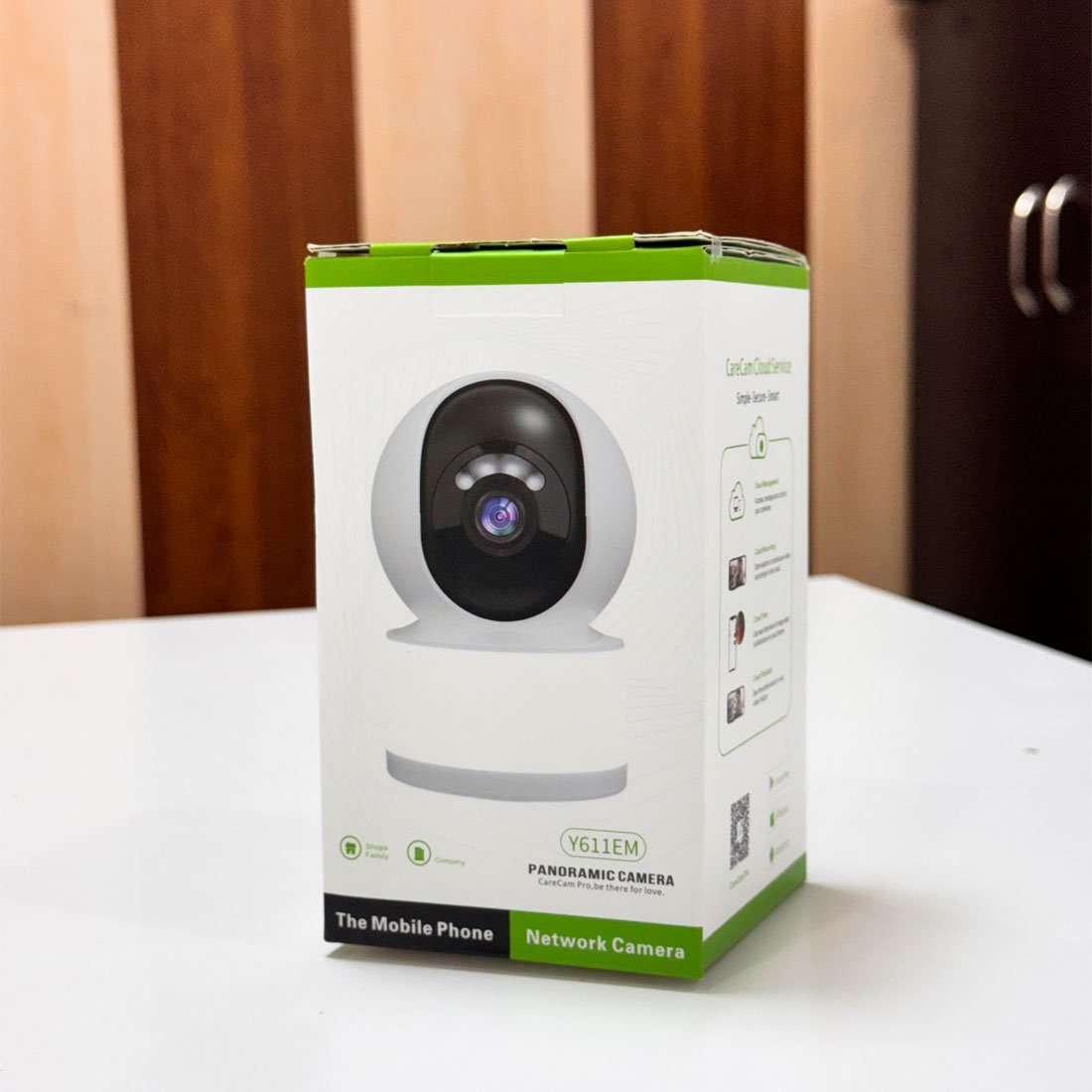 WiFi Camera
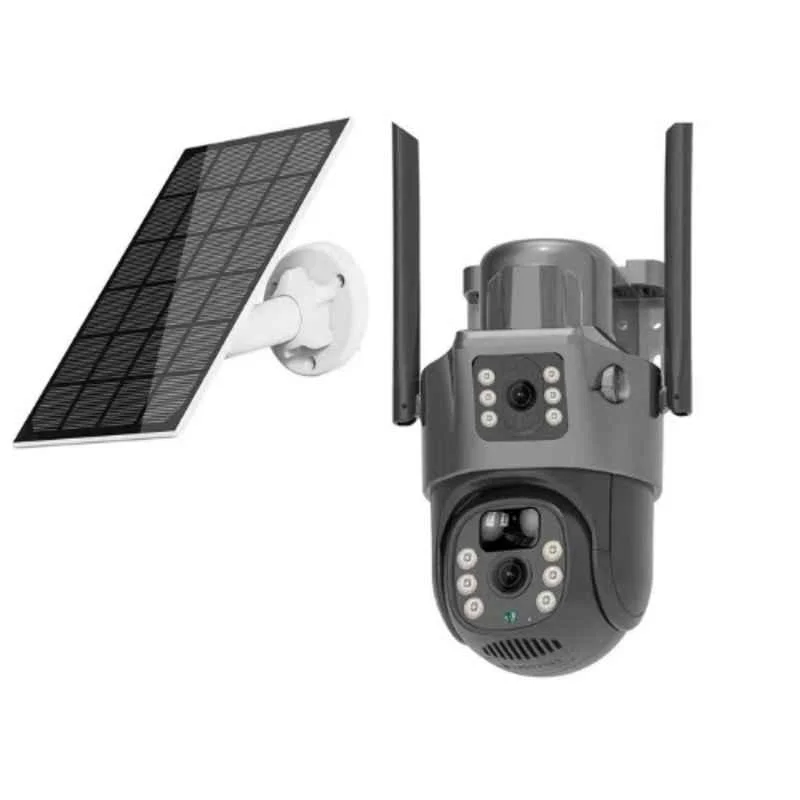 Solar Camera