We ship worldwide…


Smart WiFi Door Locks: How They Work and Why They’re More Secure Than Traditional Locks

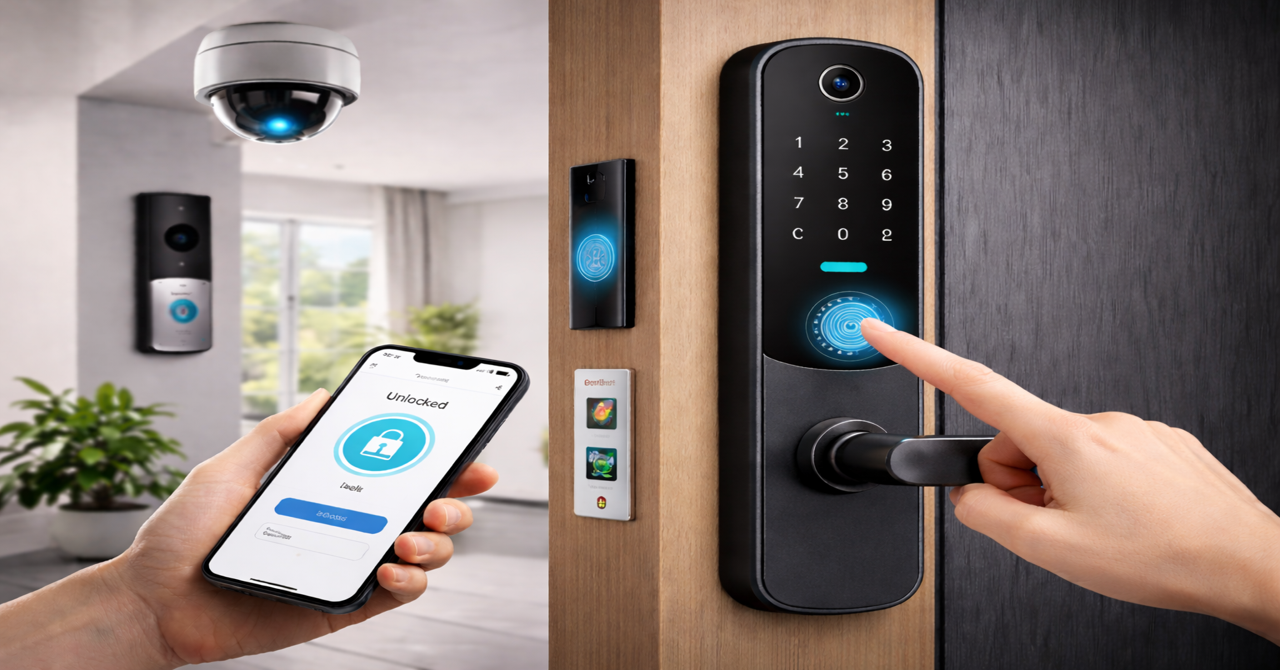
Smart WiFi Door Locks: How They Work and Why They’re More Secure Than Traditional Locks
Home security is no longer just about strong doors and metal keys. Today’s homeowners want real-time control, visibility, and peace of mind, especially when they’re away from home. Traditional locks can be lost, duplicated, or forced open—making them unreliable for modern security needs. That’s why more people are switching to smart WiFi door locks. These advanced locking systems give you complete control over who enters your home, even when you’re not there. From fingerprint access to live camera monitoring, smart locks offer a smarter and safer way to protect your property.
In this guide, we’ll break down how smart WiFi door locks work, why they offer better protection, and how options like fingerprint-enabled smart locks and camera-based door locks can enhance your home security.
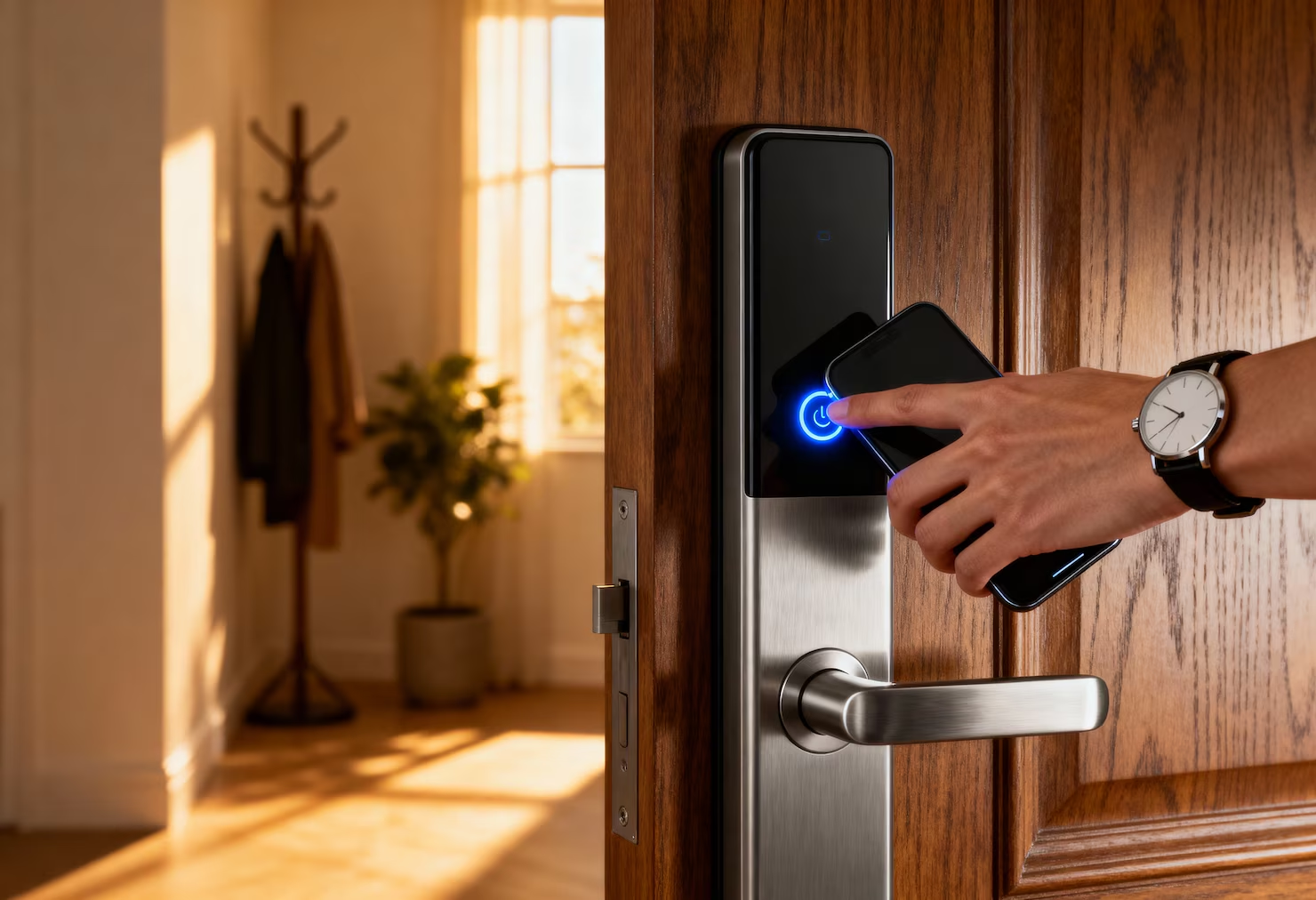
What Is a Smart WiFi Door Lock?
A smart WiFi door lock for home is an electronic locking device that connects to your home’s internet network. Instead of relying on physical keys, these locks allow access through:
Key Benefits of WiFi Security Cameras:
- Mobile apps
- Fingerprint authentication
- PIN codes
- Voice assistants or Bluetooth
Smart door locks offer remote access, activity tracking, and instant alerts, making them essential for modern smart home security.
How Smart WiFi Door Locks Work
1. Internet Connectivity
Once installed, the lock connects to your WiFi network, enabling remote operation and real-time updates through a smartphone app.
2.Mobile App Control
- Lock or unlock doors from anywhere
- Create temporary or scheduled access for guests
- Receive security alerts instantly
- View detailed entry and exit history
This level of control adds both convenience and accountability.
3. Multiple Secure Access Options
Most smart locks support several authentication methods, including:
- Smartphone access
- PIN-based entry
- Fingerprint recognition (WiFi fingerprint smart door lock)
- Bluetooth or NFC
These layers significantly reduce the risk of unauthorized access.
4. Built-In Camera Support
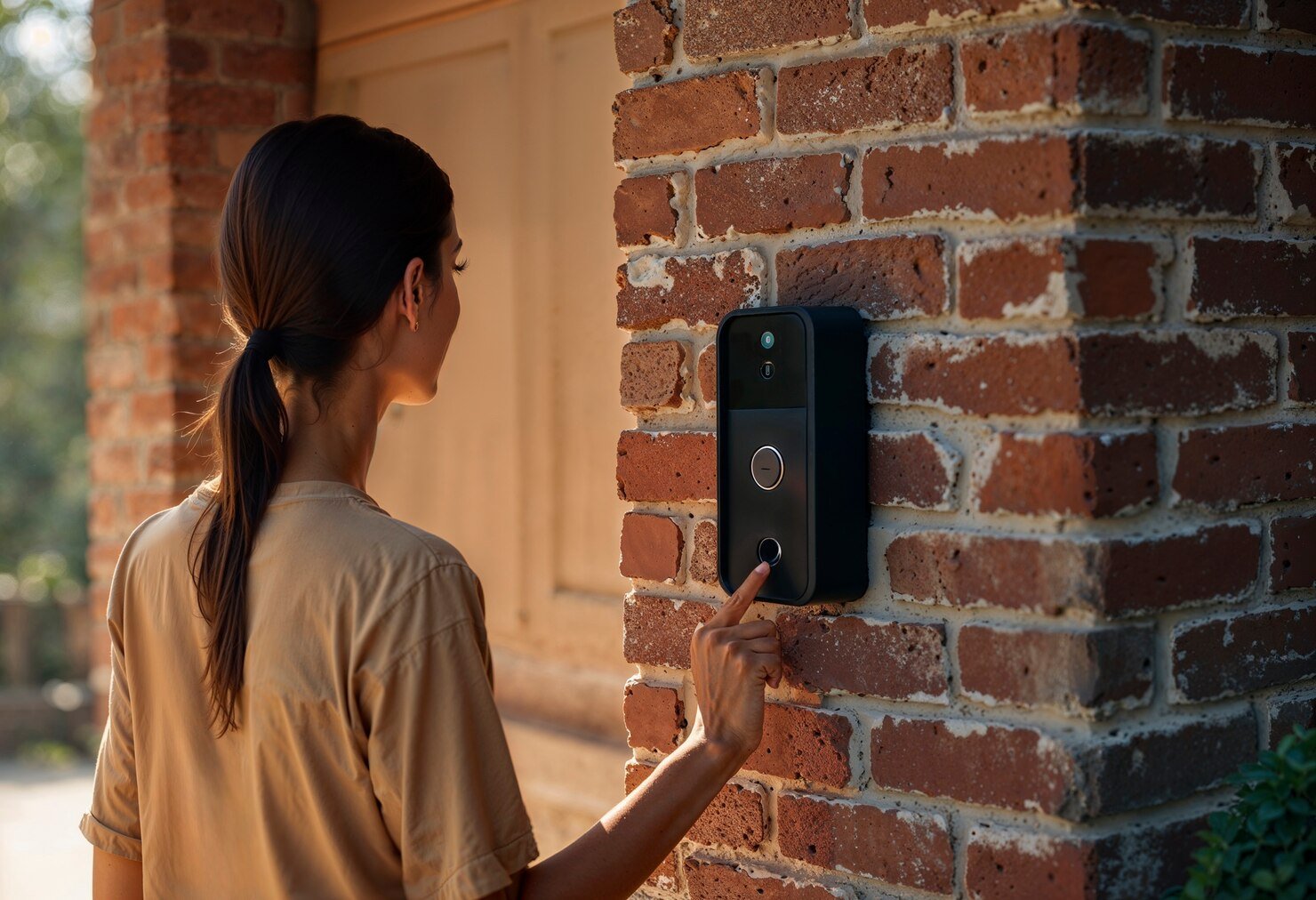
Advanced models come with integrated cameras. A smart door lock with WiFi and camera lets you see who’s at your door before unlocking it—ideal for deliveries, visitors, or added safety.
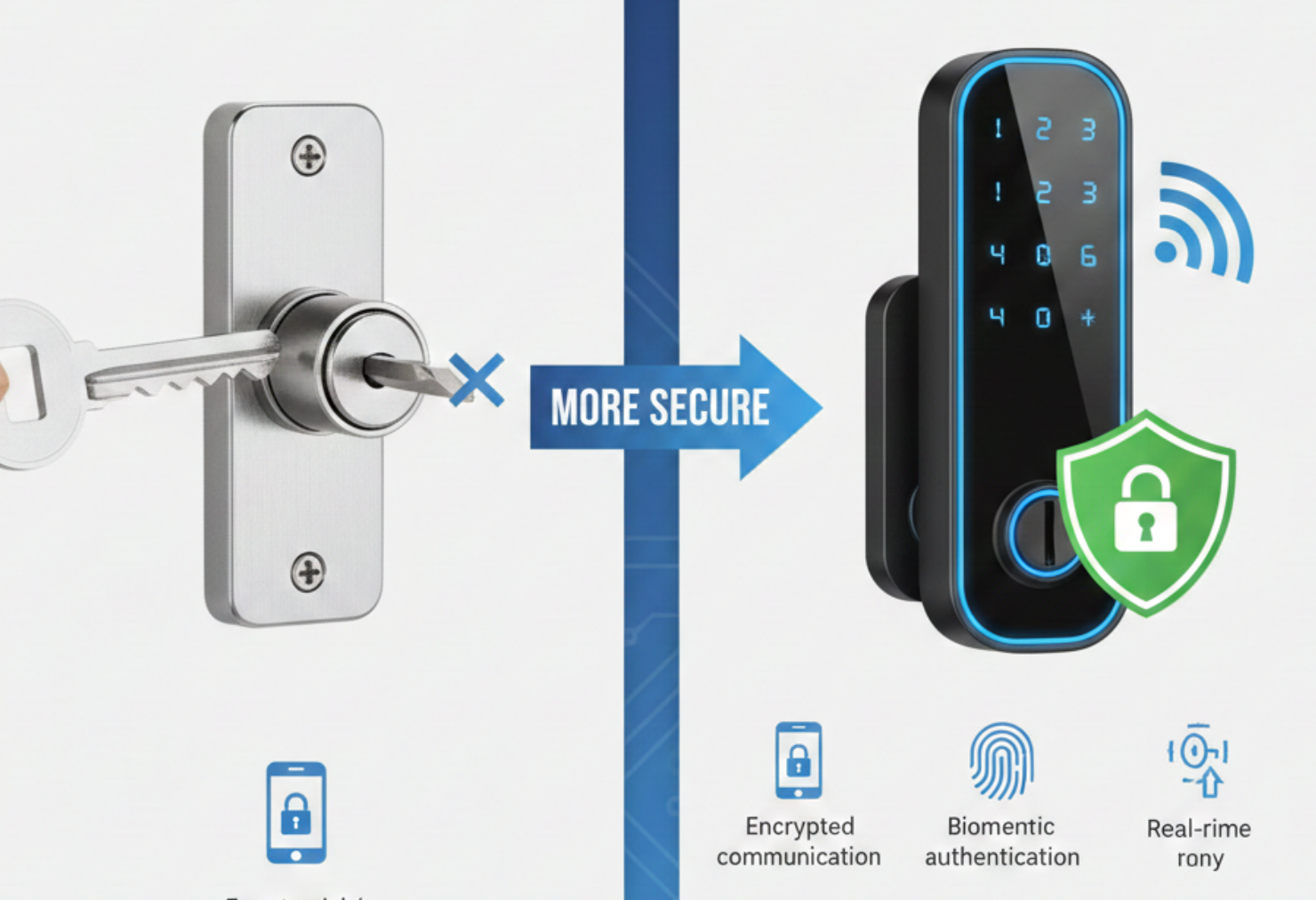
Why Smart WiFi Door Locks Are More Secure
- Remote Monitoring – Check your lock status anytime and secure your door instantly
- Entry Logs – Track exactly who accessed your home and when
- Biometric Security – Fingerprints are unique and nearly impossible to duplicate
- Instant Alerts – Get notified of tampering or failed access attempts
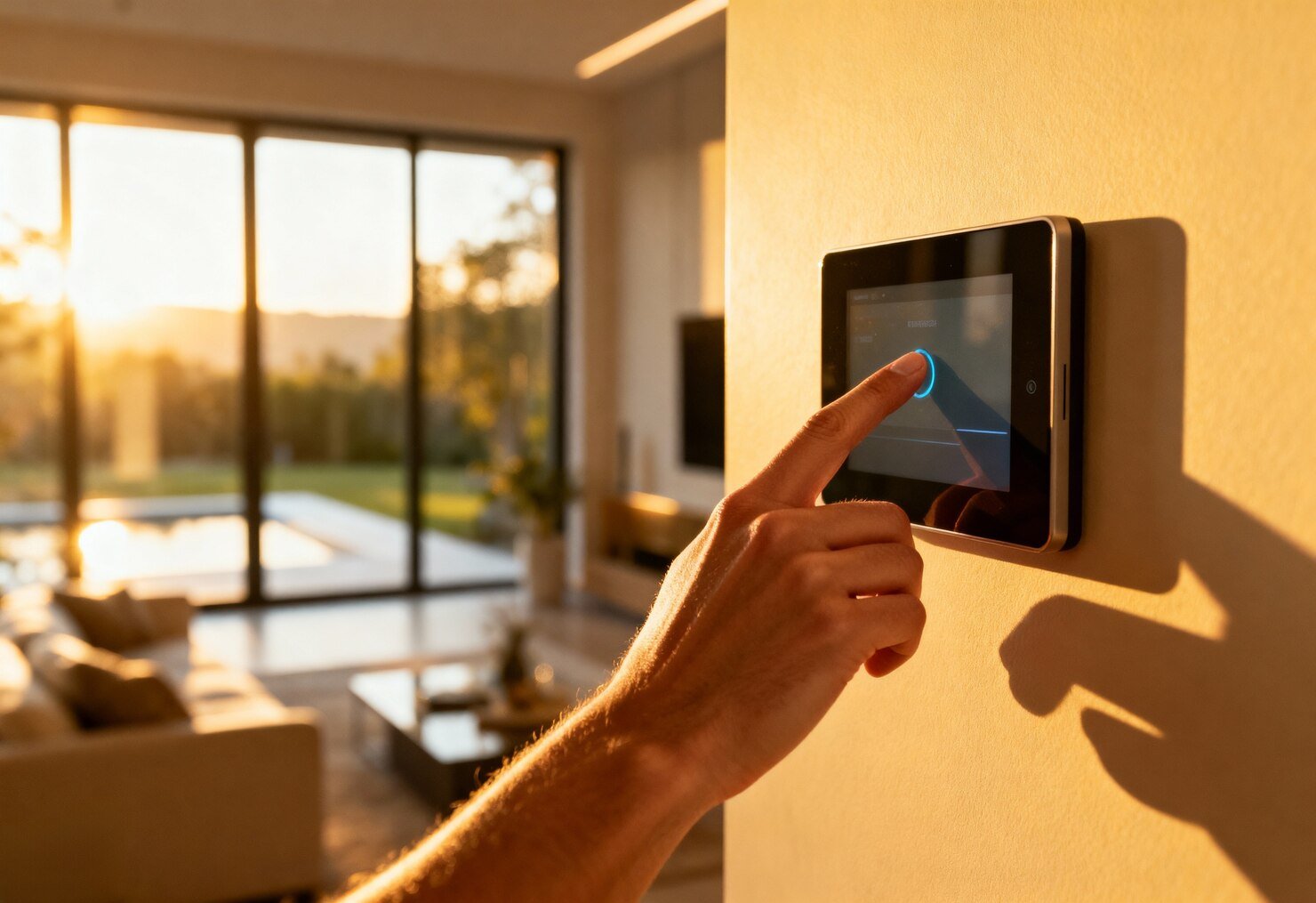
- Smart Home Integration – Works seamlessly with cameras, alarms, and sensors
Together, these features create a layered security system, far stronger than traditional locks.
Key Features to Look For in a Smart Door Lock
When choosing a smart lock, prioritize:
- Stable WiFi connectivity
- Fingerprint or multi-access support
- Strong, tamper-resistant build quality
- User-friendly mobile app
- Long battery life with low-battery alerts
- Weather resistance for outdoor doors
These features ensure long-term performance and reliability.
Common Myths About Smart Door Locks
Smart locks are easy to hack
Modern smart locks use encrypted communication and secure authentication.
Smart locks fail without internet
Most still work via fingerprint, PIN, or Bluetooth.
Installation is difficult
Most models are designed for quick DIY installation.
How to Install a Smart WiFi Door Lock
Installation typically includes:
- Removing your existing lock
- Mounting the smart lock hardware
- Connecting the lock to WiFi via the app
- Setting up access methods (fingerprint, PIN, app)
- Testing functionality
Most installations take less than one hour.

Building a Complete Smart Home Security Setup
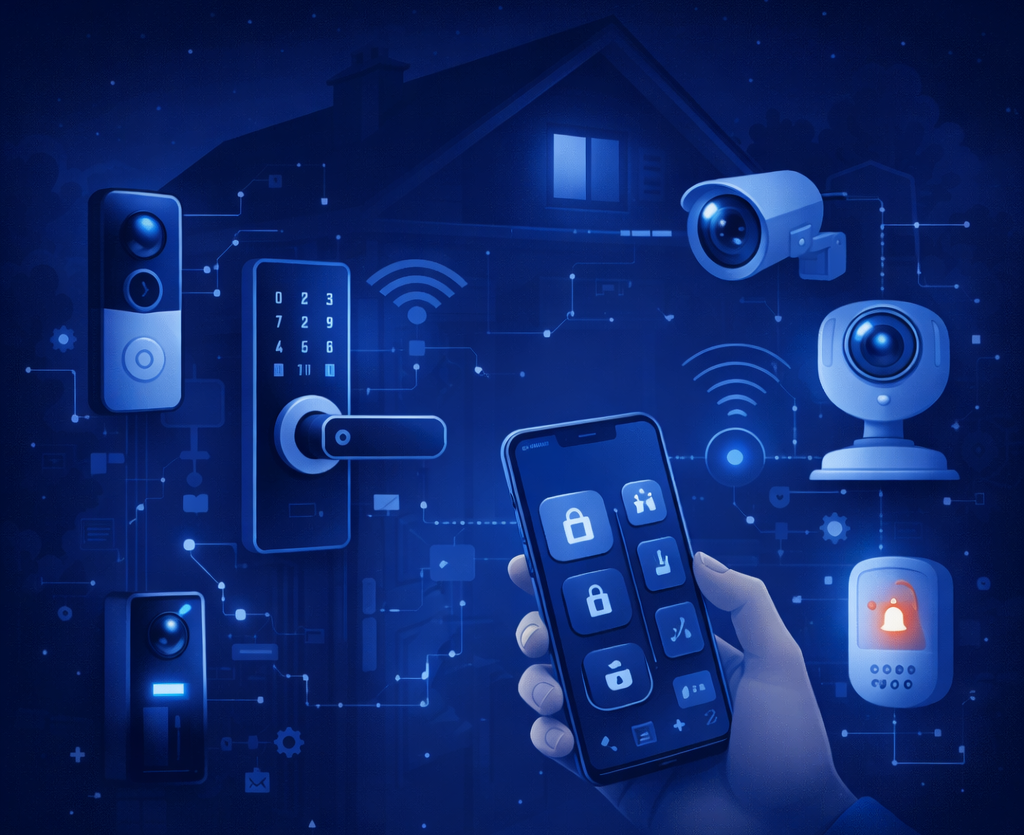
Smart WiFi door locks work best when combined with:
- Video doorbells
- Indoor and outdoor security cameras
- Motion detectors
- Alarm systems
For a deeper understanding of smart door lock technology and security best practices, you can refer to this detailed guide:
👉 Smart Door Locks FAQs Guide – Smart Home Security
This layered approach ensures both physical and visual protection for your home.
Frequently Asked Questions
Are smart WiFi door locks secure?
Yes, they use encrypted communication and secure authentication methods to prevent unauthorized access.
Do they work during power cuts?
Yes, they run on batteries and continue to function even during power outages.
Can I control my lock remotely?
Yes, you can lock or unlock your door remotely using a mobile app.
Is fingerprint access reliable?
Yes, modern fingerprint sensors are fast, accurate, and highly secure.
Conclusion
Upgrading to a smart WiFi door lock for home is a practical step toward modern security. Whether you choose a fingerprint-based smart door lock or a camera-enabled WiFi door lock, these systems offer better protection, smarter control, and everyday convenience.They don’t just lock your door—they give you confidence.If you’re planning to modernize your home security, smart WiFi door locks are a smart place to start.
 WiFi Camera
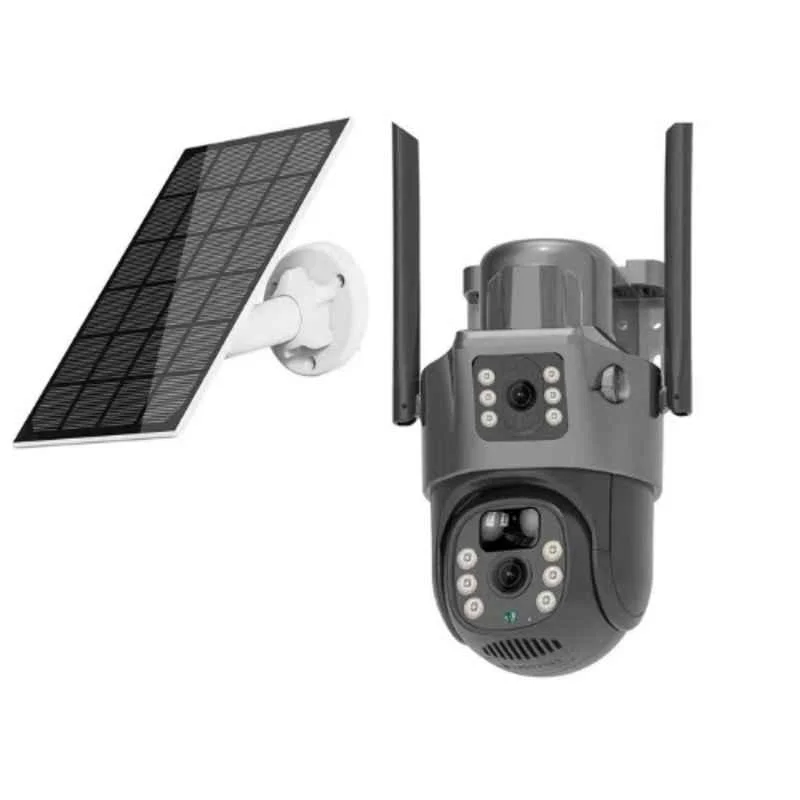 Solar Camera